North star · Keep the interface nearly invisible: use a black canvas, restrained white controls and fine rules to let project imagery lead.
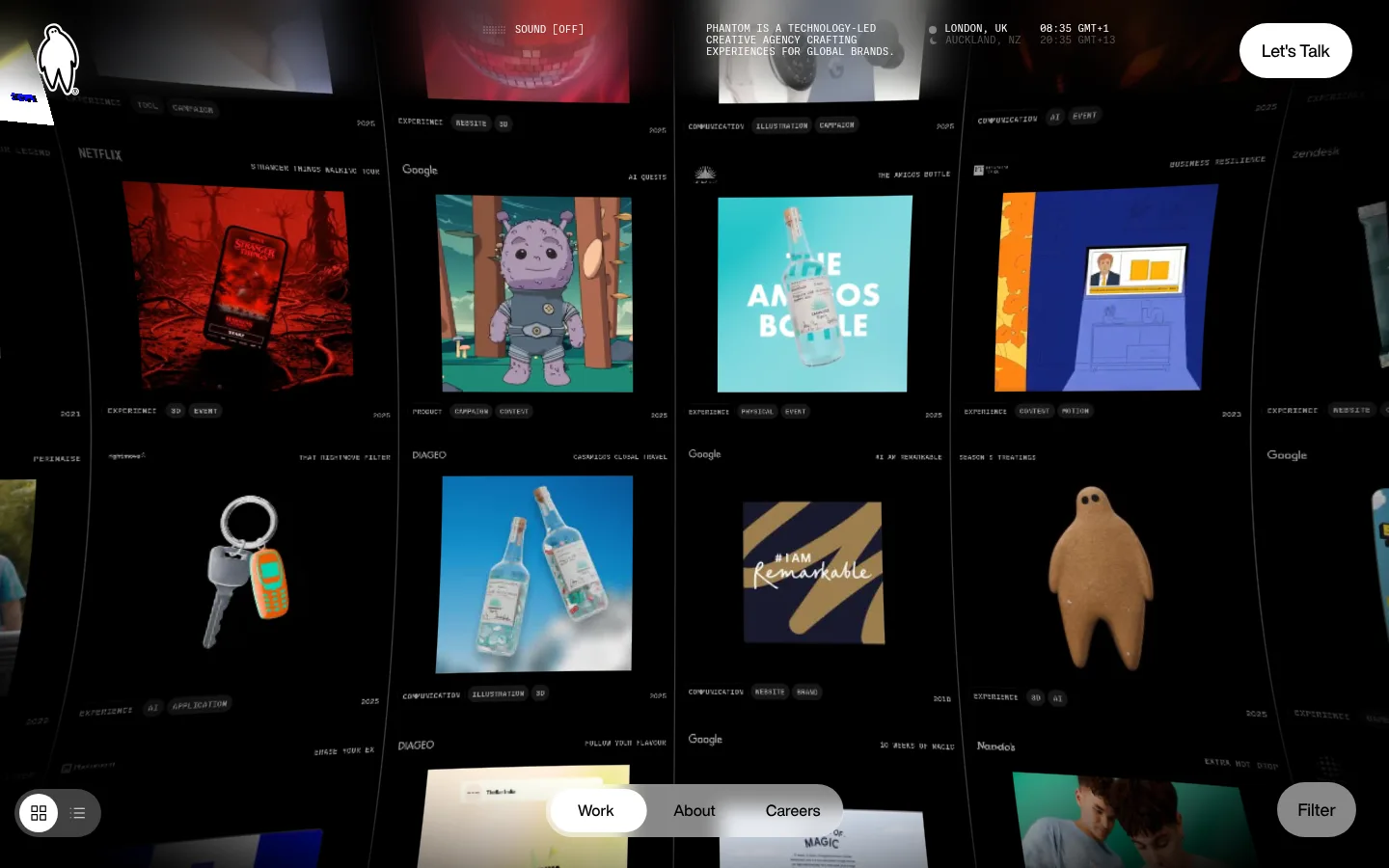
The page uses near-total black as its canvas, letting the varied colors of client work provide nearly all visual contrast. White is reserved for prominent navigation, labels and calls to action; muted greys handle secondary information, while #333333 dividers quietly delineate the tightly packed project cells. Typography contrasts bold Helvetica Now headings and interface text with small uppercase Ballinger Mono metadata, creating a crisp studio-index feel. The gallery occupies almost the entire viewport and continues beyond the edges, with a subtle perspective that makes the project wall feel immersive rather than like a conventional card grid. Project images vary in color, subject and treatment, but their consistent rectangular placement gives the composition order. Overlay navigation floats above the work, including a pill-shaped contact action, a compact centered menu and a filter control. Spacious overall page bounds coexist with dense content inside the gallery.
Small uppercase navigation, project metadata, captions and category labels.
Aa 设计
Helvetica Now
网络字体 · 字重 700 / 500 · 占比 47%
免费替代:Inter
Display headings, project titles, body text and prominent buttons.
角色
示例
字号
字重
行高
字距
特大标题
Large bold statements and prominent display headings.
Phantom Studios
56px
700
0.93
0
一级标题
Primary page or section heading.
The quick brown fox 敏捷的狐狸
24px
700
normal
0
正文
Prominent project and descriptive text.
The quick brown fox 敏捷的狐狸
18px
700
normal
0
辅助文字
Small uppercase project metadata and category labels.
The quick brown fox 敏捷的狐狸
11px
400
1.1
0
按钮
Contact and filter button labels.
The quick brown fox 敏捷的狐狸
18px
500
1.4
0
导航
Compact uppercase utility navigation and sound control labels.
The quick brown fox 敏捷的狐狸
11px
400
1.1
0
代码
Technical-looking uppercase micro-labels and metadata.
const style = 1;
11px
400
1.1
0
间距与布局
基准单位 8px · 密度:宽松
144px版块间距
8px元素间距
—卡片内边距
1392px内容最大宽度
3px
5px
7px
8px
10px
11px
12px
16px
17px
21px
23px
24px
32px
38px
40px
48px
A full-bleed project gallery dominates the viewport, arranged as a dense multi-column field with thin separators and project media mixed with compact labels. The measured page max width is 1392px, while the screenshot treatment reads as edge-to-edge and immersive. Header information overlays the top; floating controls sit near the lower edge, including a centered pill navigation. Alignment varies within project cells but the overall grid remains orderly. Section rhythm is spacious at page scale, contrasting with closely packed gallery content.
圆角与层次
按钮 · 9999px
徽标 · 9999px
没有测到阴影:页面是扁平的,层次靠底色和描边区分。
The interface is predominantly flat: black canvas, white typography and fine graphite dividers establish structure without shadows. Overlay controls float above the gallery through position and contrast rather than pronounced elevation. Pill-shaped buttons and navigation surfaces provide the main layered UI, while project imagery supplies depth and visual variation.
组件
下面的预览按实测的按钮、输入框、徽标、卡片样式重建(字体用替代字体)。
Project gallery cells
Dense, media-led project entries arranged in a continuous grid, separated by fine #333333 rules and accompanied by compact metadata.
Top utility header
Overlaid header combines logo, sound status, studio description, location and time details in small white or muted text.
Contact CTA
White pill-shaped “Let's Talk” button with black, medium-weight Helvetica Now text.
Bottom navigation
Floating rounded navigation groups Work, About and Careers near the bottom center; the selected item uses a white surface.
Filter control
Grey pill-shaped Filter button with white text, positioned over the lower-right area of the gallery.
Project metadata
Small uppercase Ballinger Mono labels identify categories and project information, with restrained contrast and outlined badges.
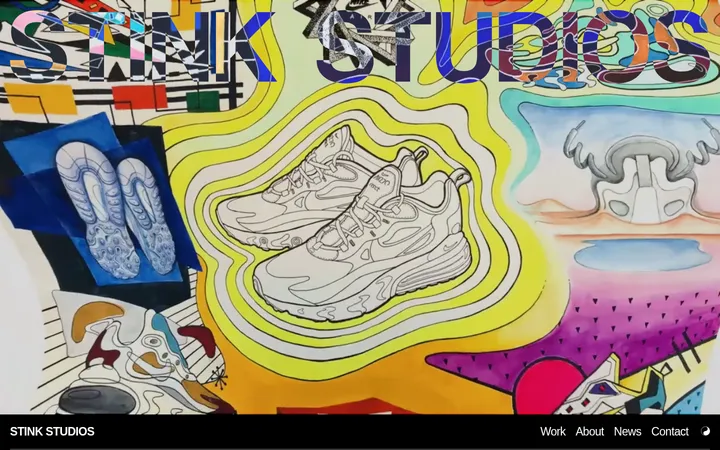
Imagery · A large, continuous portfolio wall combines campaign stills, product imagery, illustrations and graphic compositions. Each project retains its own saturated palette and visual character against the black interface. Media sits in rectangular frames, with some cropped or perspective-skewed in the immersive gallery view. The screenshots show project artwork rather than a single consistent photography treatment.
Keep navigation compact and floating above the work.
Use white pill controls for high-priority actions.
✕ 不该做
Don't introduce bright interface accents unrelated to project artwork.
Don't put heavy cards around every project.
Don't use prominent shadows to separate layers.
Don't let interface chrome overpower the gallery.
Don't turn metadata into large display text.
Don't force project images into a uniform color treatment.
给 AI 的提示词
想快速出一个同风格的新页面,把这段话连同 DESIGN.md 一起发给 AI。
Build a new Phantom Studios-style page as an immersive portfolio gallery. Use Gallery Black (#000000) for the canvas and Studio White (#ffffff) for primary text and key controls. Use Graphite Rule (#333333) for quiet dividers, Muted Charcoal (#4d4d4d) for subdued navigation, and Soft Ash (#888888) only for secondary controls. Create a dense, edge-to-edge project field with rectangular media and fine separators; preserve each project's own imagery and color. Pair bold Helvetica Now-style sans-serif headings with compact uppercase monospaced labels, using Inter and Space Mono as free substitutes. Overlay a minimal top utility header and floating pill controls, including a clear contact action. Keep the interface flat, avoid heavy shadows, and prioritize the artwork over UI decoration.